
What is crawl budget?
Crawl budget is the amount of crawling Googlebot spends on one hostname. Google treats every hostname as a separate site, so www.example.com and shop.example.com each get their own budget. When the budget is lower than the number of URLs worth crawling, new and updated pages wait longer before Google sees them, which delays indexing and rankings. Search engines such as Bing work under the same constraint, but the term is most often used in the context of Google.
How does crawl budget work?
Crawl budget works as the meeting point of what your server can handle and what Google wants to fetch. Google’s documentation describes the two parts below.
Crawl capacity limit
The crawl capacity limit is the maximum number of parallel connections and the delay between fetches that Googlebot uses on your server. Every site starts with the same conservative default. The limit goes up when the server responds quickly and goes down when it slows, returns 5xx errors or sends HTTP 429 rate-limiting signals. The limit is shared by all Google crawlers, including those for images and ads.
Crawl demand
Crawl demand is how much Google wants to crawl your URLs. It depends on 3 inputs:
- Perceived inventory: the number of URLs Google knows about, including duplicates.
- Popularity: URLs that are more popular on the web are crawled more often.
- Staleness: Google recrawls pages often enough to catch changes.
Site moves and large URL changes temporarily raise demand, because Google needs to re-crawl the new addresses.
Which websites need to manage crawl budget?
Crawl budget matters mainly for large or fast-changing websites. Google names three groups in its guide:
| Site type | Threshold from Google |
|---|---|
| Large sites | 1,000,000+ unique pages changing about once a week |
| Medium or larger sites | 10,000+ unique pages changing daily |
| Sites with indexing gaps | Many URLs marked “Discovered, currently not indexed” |
Google stresses that these numbers are rough estimates. A small blog whose posts are crawled on the day of publication does not need to think about crawl budget. In my e-commerce and marketplace projects, faceted navigation is the most common reason a 20,000-product shop behaves like a million-URL site.
How to optimise crawl budget
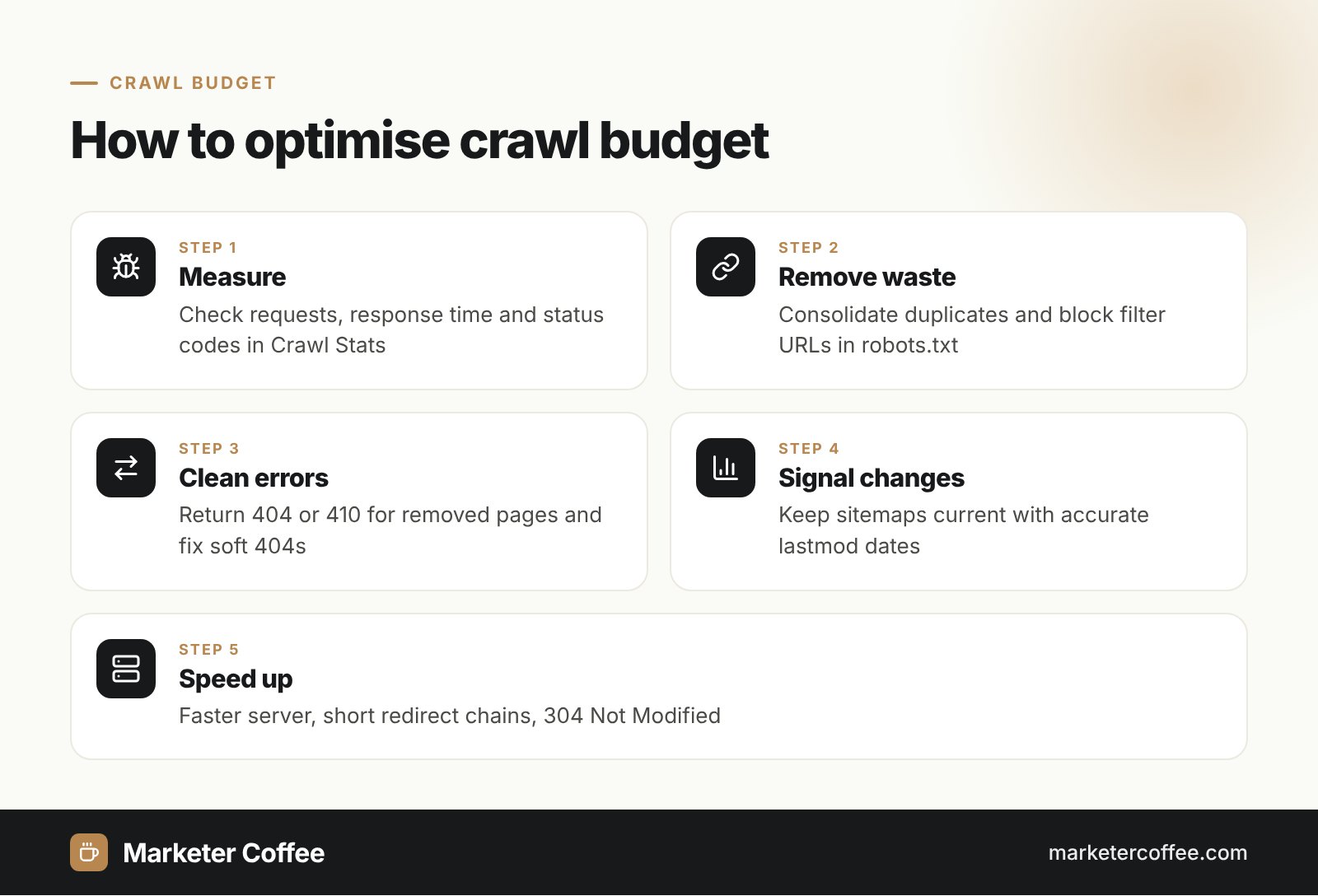
Crawl budget optimisation means removing wasted URLs and making the remaining ones cheap to fetch. Google recommends these actions:
- Consolidate duplicate content and block unimportant URLs, such as filter combinations, in robots.txt.
- Return 404 or 410 for permanently removed pages and fix soft 404 errors.
- Keep XML sitemaps current, with the lastmod tag for updated pages.
- Avoid long redirect chains, including 302 redirects that should be permanent.
- Speed up server responses and support 304 Not Modified for unchanged resources.
- Reduce heavy client-side rendering on pages that matter for search.
Two common myths are worth correcting. Adding noindex does not save budget, because Google still has to fetch the page to see the tag. Blocking URLs in robots.txt also does not move the budget to other pages unless Google already hits your capacity limit.
Crawl budget in SEO and AI search
Crawl budget matters for SEO because a page that is not crawled cannot be indexed, ranked or cited. Google’s AI Overviews and Google AI Mode build answers from the same index, so slow crawling also delays your presence in AI answers. International sites feel this most: every language version and every hreflang alternate is a separate URL to crawl, and a shop with 10 markets multiplies its inventory by 10. This is a standard check in my international SEO consultancy and in any e-commerce SEO audit.
To measure it, open the Crawl Stats report in Google Search Console (Settings, then Crawl stats). It shows total crawl requests, download size, average response time, responses by status code, crawl purpose (discovery or refresh) and Googlebot type, plus host status for the last 90 days.
Frequently asked questions about Crawl budget
Is crawl budget a ranking factor?
No, crawl budget is not a ranking factor. It only decides how quickly Google discovers and refreshes your pages, which affects how fast changes can show up in rankings.
How do I check my crawl budget?
Open Google Search Console, go to Settings and select the Crawl stats report. It shows daily crawl requests, response times and status codes, which together show how much Google crawls and where the crawling goes.
Does a small website need to worry about crawl budget?
Usually not. Google says sites whose new pages get crawled on the same day only need an up-to-date sitemap and a regular look at the Page Indexing report.
Does noindex save crawl budget?
No, noindex does not save crawl budget. Google must fetch the page to read the noindex tag, so use robots.txt or remove the URLs when the goal is to reduce crawling.
Related terms
- Optimize your crawl budget (Large site owner's guide to managing your crawl budget) · Google Search Central
- Crawl Stats report · Google Search Console Help