
What is a heatmap?
A heatmap is an aggregated picture of many sessions that shows behaviour patterns on one page instead of individual visits. Red and orange mark the areas with the most clicks or attention, yellow and green show moderate engagement and blue shows little or no activity, as Contentsquare’s heatmap guide explains. Unlike reports in Google Analytics, which tell you how many people visited and converted, a heatmap shows where on the page they acted. That makes it a core tool of conversion rate optimisation (CRO).
How does a heatmap work?
A heatmap works by recording interaction coordinates from a tracking script and plotting them as density over the page layout. The process has four steps:
- Install a tracking script, for example from Microsoft Clarity or Hotjar.
- Collect clicks, taps, cursor movement and scroll depth from real sessions.
- Aggregate the data per page and per device type.
- Render the colour layer on top of a page snapshot.
Separate maps for desktop, tablet and mobile matter because layouts differ, and a button that works on desktop can sit below the fold on a phone.
Types of heatmaps
Heatmap tools offer 5 main types, each answering a different question about the page.
Click map
A click map shows where users click on desktop or tap on mobile. It reveals clicks on non-clickable elements and calls to action nobody uses.
Scroll map
A scroll map shows the share of visitors who reach each point of the page. It tells you whether key content and the form sit too low.
Move map
A move map shows where the desktop cursor moves, as a rough proxy for attention. It does not exist on touch devices.
Rage and dead click maps
Rage and dead click maps show repeated frustrated clicks and clicks that trigger nothing. Microsoft Clarity detects these patterns with machine learning.
Eye-tracking heatmap
An eye-tracking heatmap shows where people actually look, measured with eye-tracking hardware in lab studies. Nielsen Norman Group used such heatmaps to describe the F-shaped reading pattern in 2006 and confirmed in 2017 that it still appears on desktop and mobile.
Heatmaps in marketing and SEO
Heatmaps help marketers turn traffic into leads by fixing layout problems that analytics numbers only hint at. In my SEO projects I use them after a page starts ranking, because rankings bring visits but the page still has to deliver a conversion. Typical findings:
- Users click product images that are not links.
- Half of visitors never scroll to the pricing table.
- Mobile users miss the CTA hidden behind a sticky banner.
- Readers skip the intro and jump to the first table.
For organic landing pages, heatmaps also show whether the answer to the search query appears where users look first, which is a key idea behind search experience optimisation. Pair heatmap data with your click-through rate from Search Console to see the full path from result to action.
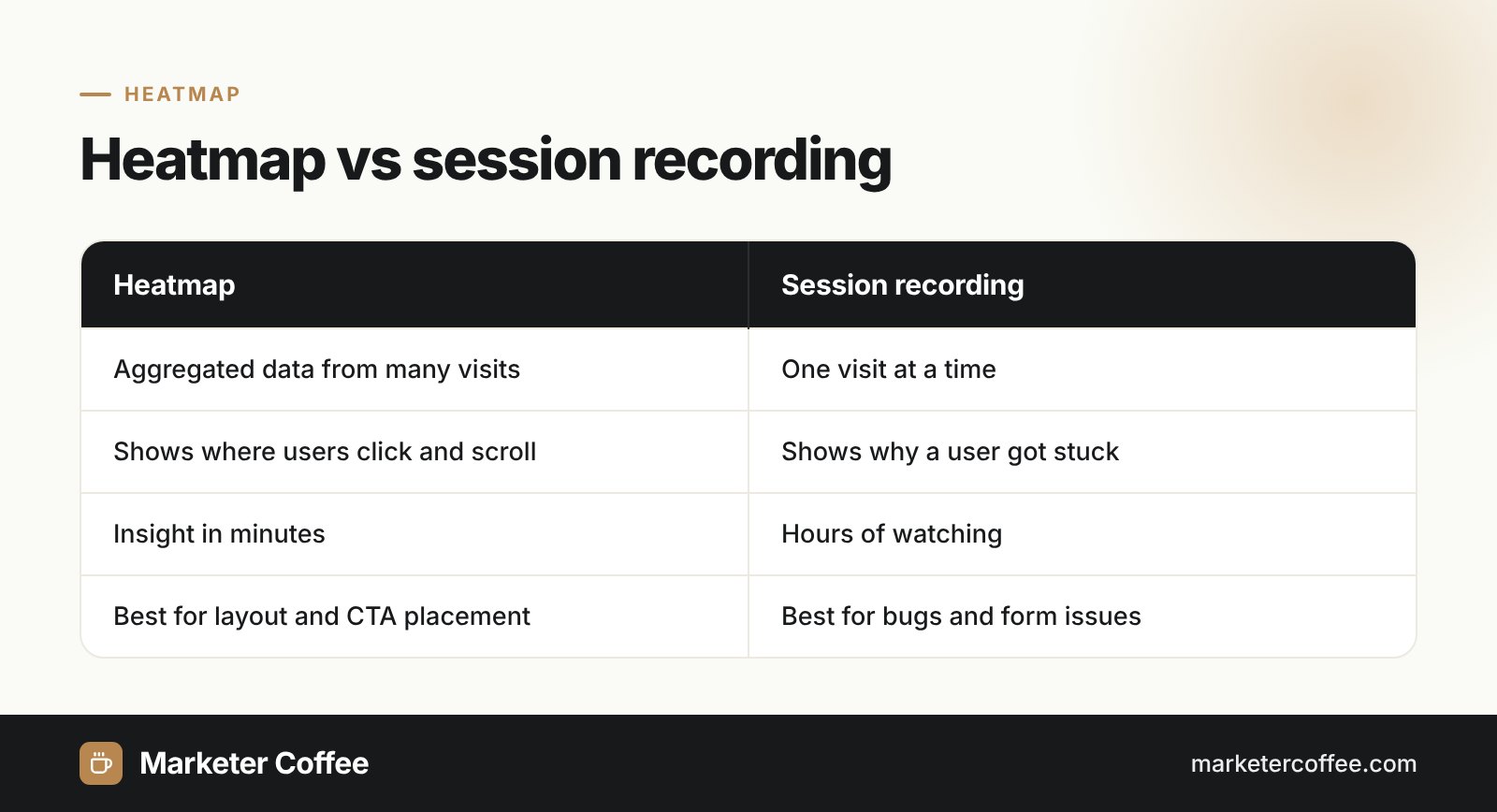
Heatmap vs session recording
| Aspect | Heatmap | Session recording |
|---|---|---|
| Data | Aggregated across many visits | One visit at a time |
| Answers | Where users act on the page | Why one user got stuck |
| Time to insight | Minutes | Hours of watching |
| Best for | Layout and CTA placement | Bugs and form problems |
The two methods work best together: the heatmap shows the problem zone, recordings explain it. Both are available in Microsoft Clarity and in Hotjar, which Contentsquare acquired on 1 September 2021.
Frequently asked questions about Heatmap
What do the colours on a heatmap mean?
Red and orange show areas with the most activity, yellow and green show moderate engagement and blue shows little or no activity. The scale is relative to the page, not absolute.
Is there a free heatmap tool?
Yes, Microsoft Clarity is free and places no caps on traffic. It offers click and scroll maps, session recordings and detection of rage and dead clicks.
What is the difference between a click map and a scroll map?
A click map shows where users click or tap, while a scroll map shows what share of visitors reaches each part of the page. Together they show whether important elements are both visible and used.
Do heatmaps slow down a website?
Heatmap tools add a JavaScript tracking script, which has a small cost on page performance. Load it asynchronously and limit it to pages you are actively testing if speed is critical.
Related terms
- Heatmaps: the complete guide · Contentsquare
- F-Shaped Pattern of Reading on the Web: Misunderstood, But Still Relevant · Nielsen Norman Group
- Microsoft Clarity is now Generally Available · Microsoft Bing Blogs
- Microsoft Clarity: free heatmaps and session recordings for website optimization · Martech Zone
- Contentsquare acquires Hotjar · Contentsquare